

Kitchen Mats
Jabra Link 860 Audio Processor
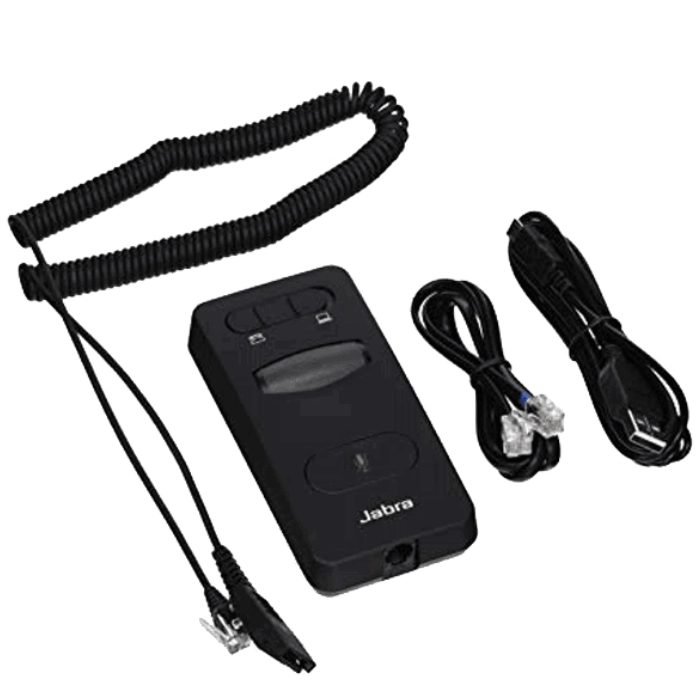
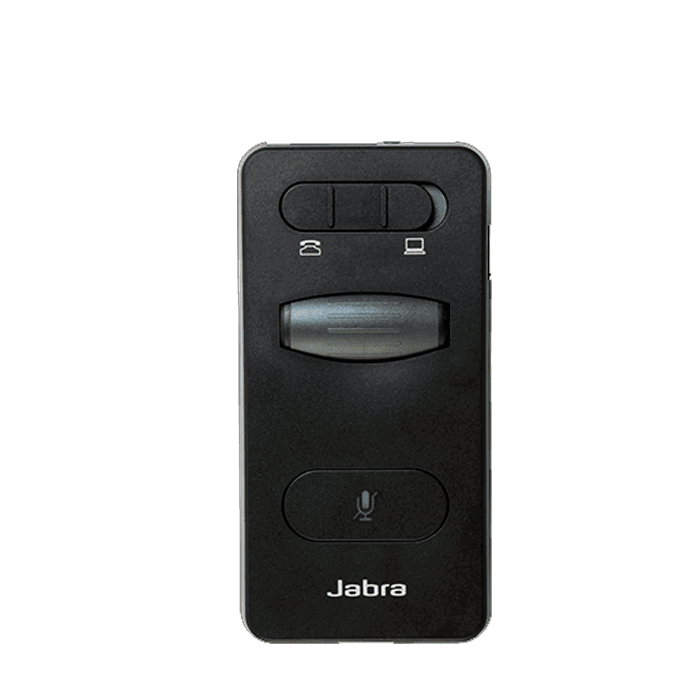
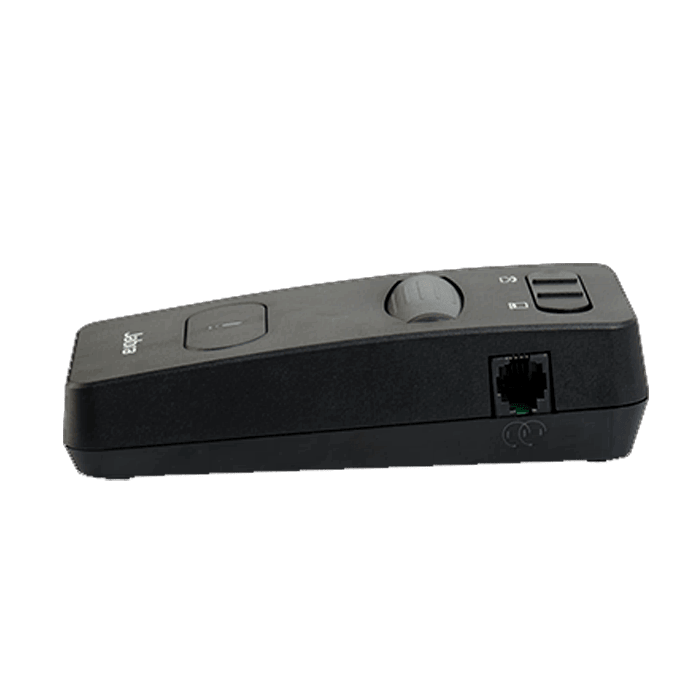
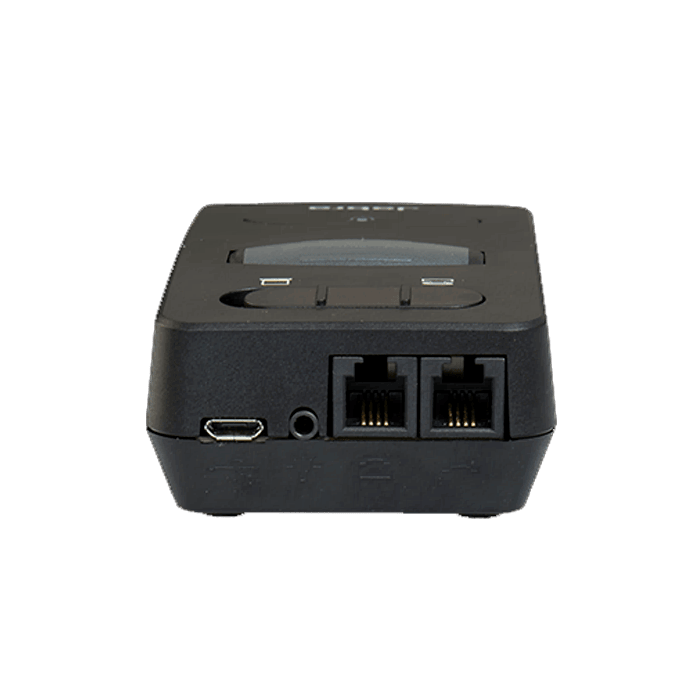
Jabra Link 860 Audio Processor: The Jabra Link 860 is an audio processor designed to enhance voice quality and call clarity for headset users. With the Jabra Link 860, you can switch between desk phone and softphone calls seamlessly and easily with the switch of a button, making it a great investment for contact center and open office environments. Link 860 Features General Part #: LINK 860 Jabra Model Number: ENA003 SKU# 860-09 UPC: 0706487016144 Audio Jabra PeakStop™ Line Quieting: Removes line buzz and other distracting noises from the phone network Soft Squelch: Reduces background noise by only amplifying sounds over a certain level. Crystal Clear Sound Digital Signal Processing (DSP): Advanced technology that delivers crystal clear sound without echoes or artifacts so agents can have more effective conversations. Tone Control Equalizer: Enables agents to adjust the sound of their headset to the optimal level of crispness and clarity. Hearing Protection G616 Jabra Link 860 FAQ How do I synchronize the speaker volume with the Windows volume? To ensure full audio control, the Jabra Link 860 must be selected as the default audio device in Windows. Follow these steps. Windows 10 Tap or click the Windows icon, enter “sound”, and then click or tap Sound. On the Playback tab, if the Jabra device is not selected as the default device, select it and then click or tap Set Default. Do the same on the Recording tab. Click OK. How do I improve the incoming signal? The Jabra Link 850/860 features a digital signal processor (DSP). The DSP sets the input signal to a certain level and makes sure the audio is not too loud. If the input signal is too high (the volume of the telephone is too loud), distortion may result. To resolve this issue, lower the volume of the phone to a medium level, and then use the Link 850/860 to raise the volume. How do I turn on audio streaming using Jabra Direct? Prerequisites Jabra Direct – latest version When audio streaming is turned on, and you are connected to a computer (or to both a computer and a desk phone), you can: Record a desk phone call to your computer Play a sound file from your computer to your headset for transcribing Play an agent greeting from your computer to your desk phone To activate and turn on audio streaming, follow these steps. On the Jabra Link 860, turn on the Audio streaming switch, which is marked by a tape cassette icon. Connect the Jabra Link 860 to a computer and/or desk phone. In Jabra Direct, select your device. Click Device. In Device settings > Audio, select your preferred audio streaming option. Click Apply. How is Digital Signal Processing (DSP) used in Jabra devices? DSP is used in Jabra devices to enhance the audio quality of the human voice and to reduce background noise. How do I adjust the microphone volume on my Jabra Link 860? To adjust the microphone volume, turn the knob located on the underside of the Jabra Link 860. The default setting is 2, but you can select from 1 through 9.
Related products
-
Cleo Rug in 013-0036-5171 by Mastercraft Rugs Pet Accessories & Apparel
-
Cleo Rug in 013-0030-4373 by Mastercraft Rugs Pet Accessories & Apparel
-
Cleo Rug in 013-0025-6191 by Mastercraft Rugs Pet Accessories & Apparel